
Discover Gemstream
Scroll gaming news


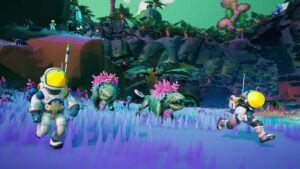
STARSEEKER: Astroneer Expeditions, developed by System Era Softworks and published by Devolver Digital, drops you onto uncharted planets with a ticking oxygen tank and a Squad of up to four Astroneers. The game can feel hostile at first, but early mistakes cost a lot in gear and loot. Here’s what you need to know to make your first drops aboard the ESS Starseeker actually count.
The Explorer Class Astroneer tutorial only takes a few minutes and walks you through the basics: movement, climbing, scanning, map readouts, mining, and gadget crafting. Don’t skip it even if you logged hundreds of hours in Astroneer back in the day. The new thrown-item system for sedating creatures, the swappable EXO Multi-Tool nozzles, and the entire extraction loop are all brand-new mechanics that didn’t exist in the 2019 game. Nailing them during the tutorial saves you from fumbling around during your first timed expeditions.
The tutorial also covers your first Dropship deployment and the return loop back to orbit. Once it’s done, you’re cleared to board the ESS Starseeker proper and meet the Fronteer Force crew running the station. This is where every strategic call gets made: which expedition to take on next, which gadgets to craft, and which Squad mates to roll out with.
Every expedition is capped at roughly 30 minutes, but the real clock is the oxygen bar on the back of your backpack. It drains constantly and burns down even faster when you sprint, dig with the EXO Multi-Tool, or fire the air blast. Once that bar gets thin, you need to book it to the nearest Landing Site, summon your Dropship, and head back to orbit. Dying planetside means losing everything you carried and damaging some of your gear in the process.
Always do the math before pushing further from your landing zone. If your oxygen hits half and the closest Landing Site is still a 10-minute hike away, turn around. The single most common rookie mistake is chasing one more objective without watching the clock, then suffocating ten meters from the extraction pad with a full backpack of unsaved loot.
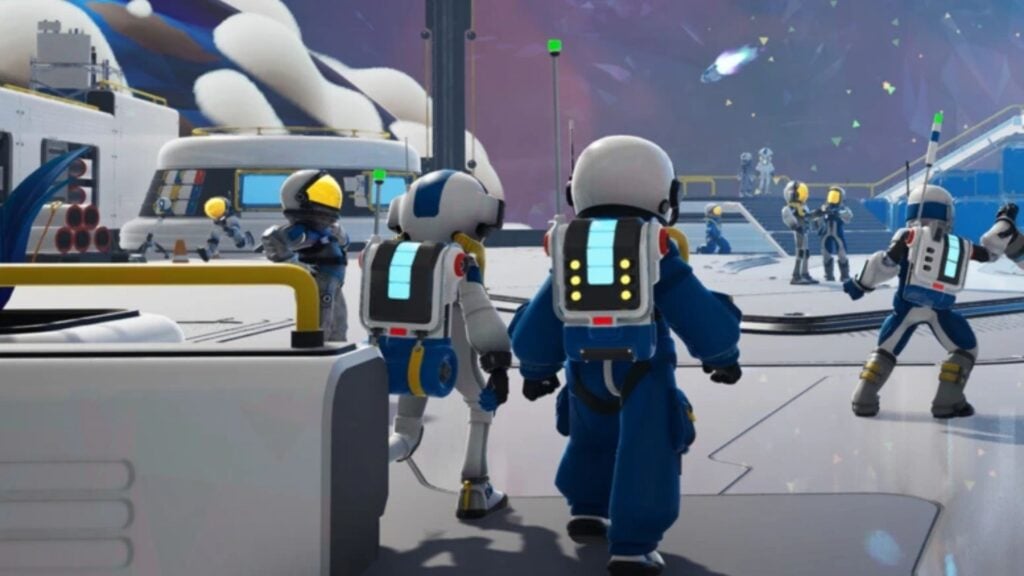
STARSEEKER is built around four-player co-op, with Squads capped at four members. You can absolutely solo it, but the entire design pushes you toward pooling resources with teammates: reviving a downed buddy in the field, tossing items across the map to a struggling crew member, and completing Tasks claimed by squadmates for shared rewards. A coordinated Squad makes every expedition vastly more efficient and unlocks objectives that flat-out aren’t doable solo.
Up to 16 players can be on the same planet at once across multiple Squads, and the ESS Starseeker hub can host up to 60 players. Take advantage of that by jumping into Field Ops with players outside your own Squad. These collective ops drop bonus rewards and chip away at the Community Challenges that the entire station works toward.
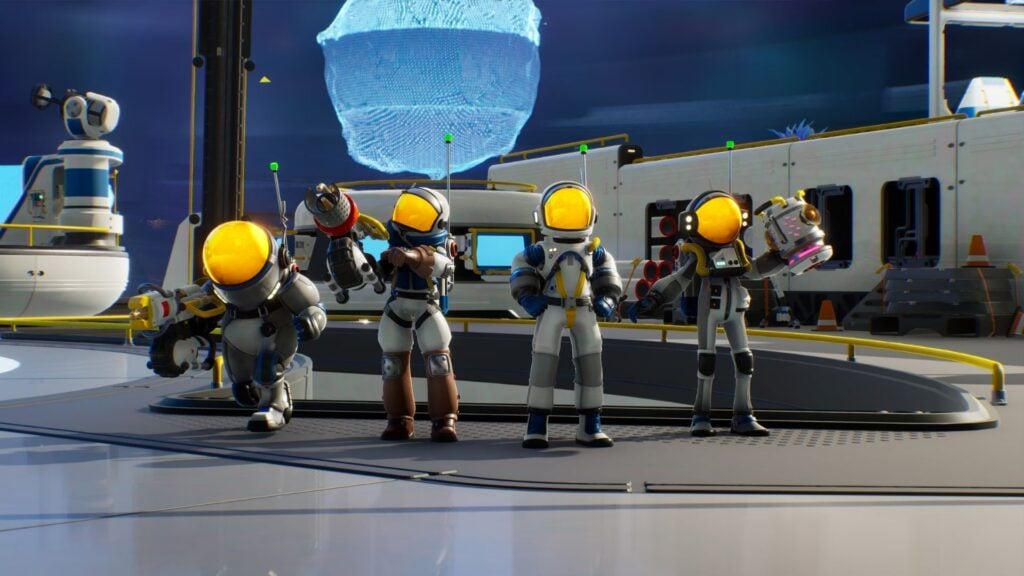
The EXO Multi-Tool is your all-purpose gadget and your main weapon rolled into one. It runs on a swappable nozzle system: the default nozzle sucks up and reshapes terrain Astroneer-style, the air blast knocks creatures back and launches you into the air, the water hose soaks zones and pacifies certain creatures, and more specialized nozzles unlock as you progress. Each nozzle fills a different tactical niche, so figure out their use cases fast.
Don’t sleep on the throw mechanic either. Lobbing items lets you crack open EXO Caches from a distance, sedate creatures without ever closing in, and even build makeshift bridges by flinging globs of soil. None of this existed in the original Astroneer, and it’s where the soul of STARSEEKER’s playful chaos really lives. Mastering the throw timing is the difference between a smooth run and a frustrating wipe.
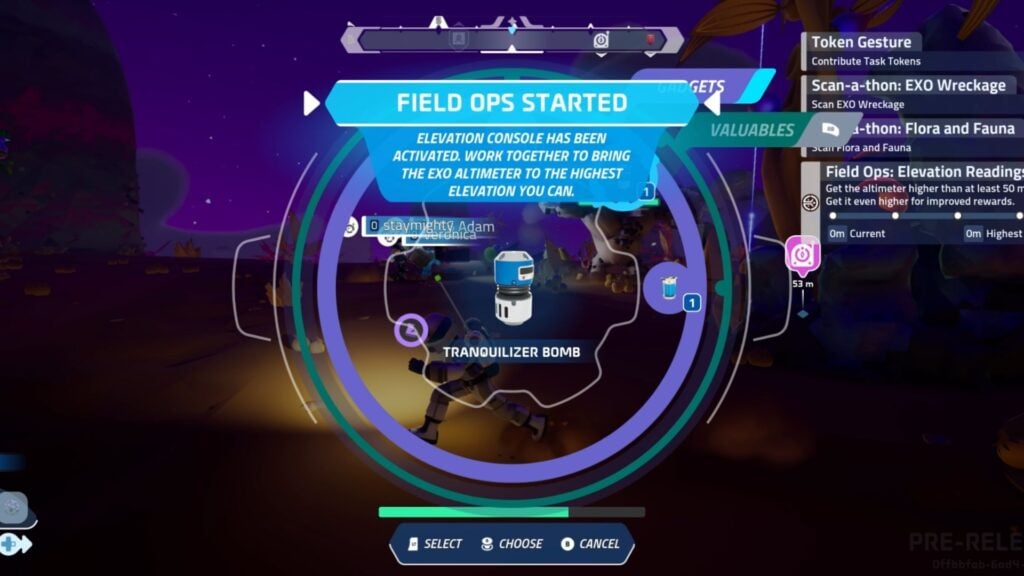
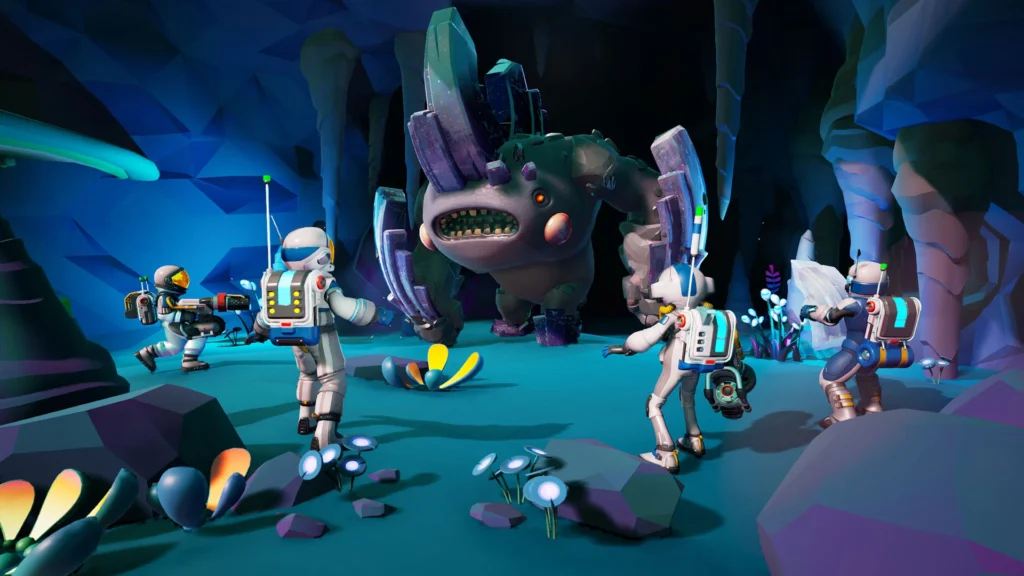
Most creatures in STARSEEKER are not meant to be fought head-on. The vast majority can be sedated by tossing an item at them, knocking them out cold without killing them. This mechanic is essential because it lets you grab loot near a creature without burning oxygen in a drawn-out fight. Aim, throw an item from your backpack, and use the stun window to scavenge or slip past.
Some creatures, like the now-famous carrot bugs, are completely passive by default and only turn hostile if you swing first. The dev team designed the bestiary to reward observation and patience over rushing in swinging. Spot a group of creatures in a zone, scan them from a safe distance, and only commit to engagement if your expedition objective actually requires it.
Scanning is one of the highest-value activities you can run during any expedition. Every creature, plant, rock formation, or unknown object you scan for the first time drops Bytes, the currency used to unlock station tech and craft new gadgets. Unique scans are especially valuable, so push into fresh territory rather than camping a region you’ve already drained dry.
You’ll also pick up Bytes by clearing Missions and Tasks, but scanning gives you a steady passive income that compounds over time. Keep your EXO Multi-Tool dialed into scan mode while you explore, so you can sweep across each interesting target just by pointing at it. At the end of every expedition, you’ll see the Byte totals tallied up on the station summary screen.
The Planetary View map (M on keyboard, D-pad up on controller) shows you the entire planet at a glance, with available Landing Sites, your current position, and active Mission objectives pinned. Pop it open every two to three minutes to keep track of where your nearest extraction point sits. Spotting a Landing Site early saves you from the end-of-run panic that costs new players entire backpacks of loot.
Landing Sites aren’t all unlocked from the start. You discover them as you explore the planet or by completing certain objectives along the way. At the start of every expedition, scan the planetary map for the visible Landing Sites and plan your loop so it always swings back near one of them. A loop that orbits an extraction point is infinitely safer than a straight line that drifts further out as the oxygen ticks down.
Some of your EXO Multi-Tool nozzles are Disposable Nozzles, single-use consumables that only last for one expedition. If you get downed on the planet, your gear can come back damaged or outright lost, including those precious one-shot nozzles. Stay out of long fights, avoid fatal falls, and never push for a risky loot grab when you’re hauling rare materials or freshly crafted nozzles.
Run from hostile creatures rather than picking fights, lean on the air blast to reposition fast, and never gamble on a rare-zone pickup right before your oxygen bottoms out. Losing one Disposable Nozzle costs you several minutes of crafting back at the station, while skipping a piece of loot only costs you the few minutes it would take to redo the expedition.
The ESS Starseeker is home to several key Fronteer Force NPCs who hand out Missions and unlock rewards as your reputation climbs. Captain Jupiter runs the station’s strategic operations, Science Officer Jessandra handles analysis and research, and JAM-BX manages logistics and equipment. Talk to each of them after every expedition to turn in your Task Tokens and rack up Reputation levels.
Maxing out Reputation with these NPCs unlocks Stickers, exclusive gadgets, and specific mission chains that make up a huge chunk of the long-tail content. Aim for max Reputation with at least one NPC during your first hours to start cashing in tier rewards quickly, then branch out toward the others to chase the Three’s Company achievement (max Reputation with three different NPCs).
Every Squad member can lean into a specialized role thanks to backpack mods and EXO Multi-Tool nozzles. Here are the main loadouts to aim for depending on how you like to play:
Coordinate with your Squad to spread these roles around. The collective payoff of every expedition multiplies when each member commits to a specialty. A balanced Squad with a scanner, a combat support, a resource collector, and a medic outperforms four jack-of-all-trades players every single time.



Scroll gaming news
Salut ! Moi c'est Barnabé, l'assistant gaming de RetroGems ! Pose-moi tes questions sur les jeux vidéo, les actus ou le contenu du site. Miaou ! 🎮
Tapez pour rechercher
Comments
Log in to comment
Continue with GoogleBe the first to comment on this article!